
OCR vs Vision Models: which tech should you choose?
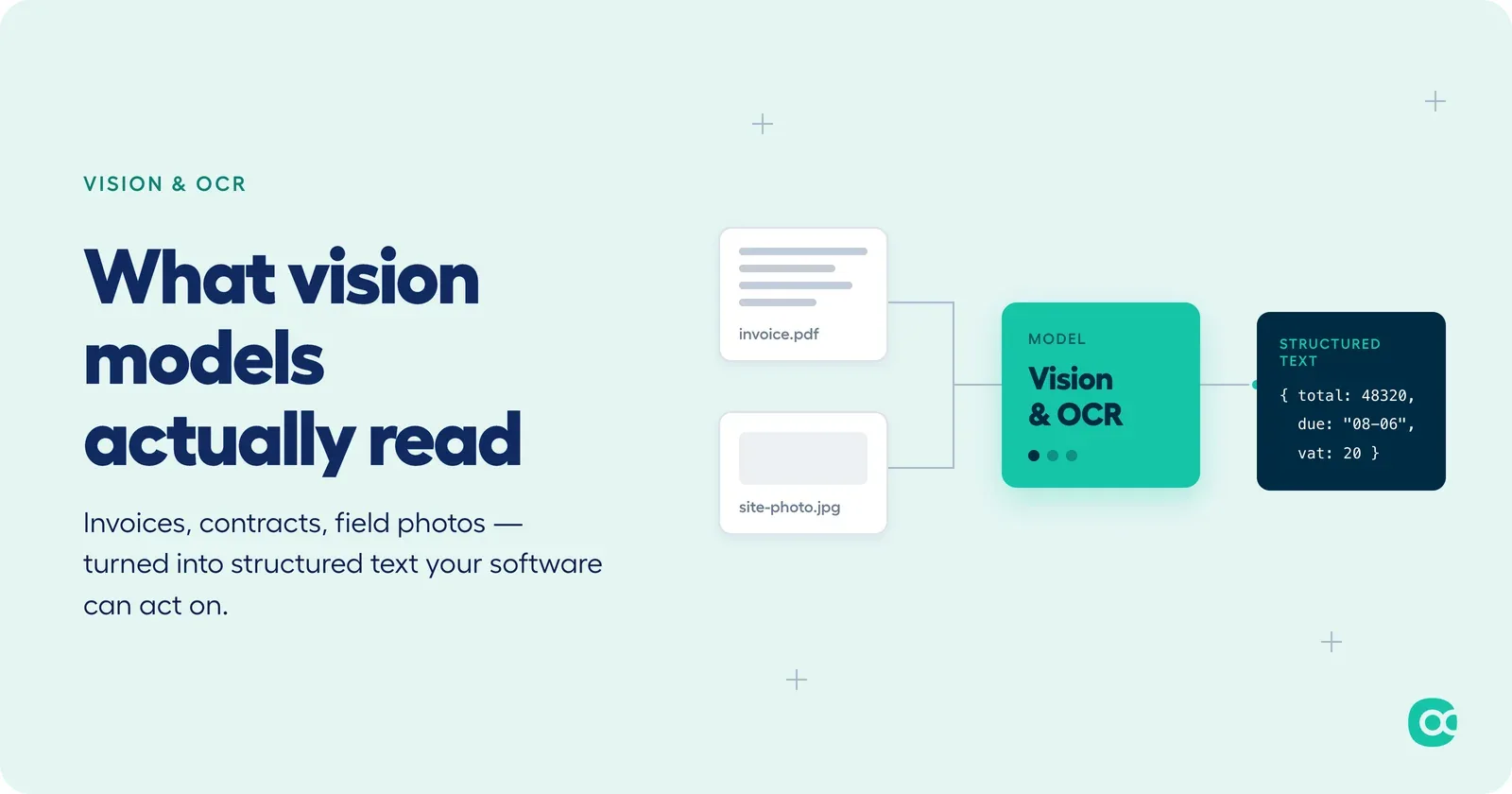
“OCR vs vision models” gets framed as a technology choice. It is not. OCR reads text. Vision models reason about images. Picking between them is really a question about what your product needs to answer, and most publishers end up needing both.
What OCR is actually good at
OCR digitises text found in images, PDFs, and scanned documents. According to AIMultiple’s independent benchmark, modern engines such as Tesseract or Google Vision OCR reach 95-96% accuracy on printed text. On handwriting, though, vision-language models (GPT-5, Gemini 2.5 Pro) now have the edge, at 93-95% accuracy versus around 90% for traditional OCR. For a publisher, that unlocks straightforward wins: automating data entry from invoices, contracts, and forms, making a pile of scanned documents searchable, or bolting on a scanning feature without training or hosting a model of your own.
Its limits are just as straightforward. OCR extracts words without interpreting them, so it cannot tell you what a diagram means or answer a question about a document’s content. And accuracy drops fast on blurry or low-quality scans.
What vision-language models add
Vision-language models (Qwen3.5, GPT-4o, CLIP, LLaVA) go further: they read both the visual and textual content of an image to describe it, answer questions about it, or reason about the context it sits in. That opens up captioning, answering user questions about an uploaded image, classifying images by content, or interpreting a guide that mixes text, diagrams, and tables: things plain OCR cannot do.
The trade-off is complexity and cost. Vision models need more resources and deeper integration work, and the more capable ones get expensive at scale.
Choosing between them
The decision rarely comes down to which technology is “better.” It comes down to volume, budget, and what you are actually trying to extract. High-volume digitisation on a limited budget, where speed and simple integration matter more than nuance, points to OCR. Describing or reasoning about images, or delivering a richer contextual experience with the technical resources to support it, points to a vision model.
Why the two usually end up working together
In practice, the two are complementary rather than competing: OCR extracts text quickly and cheaply, vision models interpret the visual and textual content around it. A typical agentic workflow reflects that split: OCR pulls the text out of a document, a vision model analyses the diagrams, screenshots, or tables around it, and the agent combines both to answer a more complex question than either could handle alone. That combination is what powers, for example, an agent embedded in an expense management tool that reads both the amount printed on a crumpled receipt and the photo of the item attached to it, approving or flagging the expense in one pass instead of two separate steps.
Getting it into production
Integrating either technology relies on the same plumbing: asynchronous services, message queues, artefact storage, logging. The common pattern is a single entry point (“document-intake”) that receives an image or PDF, creates a folder identifier, stores the original, and triggers an asynchronous workflow from there.
The mistakes are also common, and avoidable: expecting one “magic” model to handle every case (it will not, and the cost of forcing it to try adds up fast), neglecting data governance, and forgetting to build in a user feedback loop.
Where Agora fits
The Agora platform lets publishers natively integrate agents that process documents (OCR), analyse images (vision), and automate the business workflows around them, without building that infrastructure themselves.
Beyond extraction
At 95% accuracy on print and closing in on that for handwriting, extraction alone stops being a differentiator. The more interesting shift is not OCR versus vision, it is what comes after extraction. Multimodal workflows already read user guides to offer proactive help, check documents for compliance automatically, and watch image streams to trigger actions. The next step is agents that plan the sequence themselves: requesting a missing document, suggesting a correction, recommending the right template, opening a ticket when something does not add up.
For a SaaS publisher, that is the real destination: not a smarter upload button, but an agentic orchestrator that combines OCR, vision, business rules, and historical data to decide what happens next.
The right combination of OCR and vision models depends on your use case, and the resources you have available. Agora Software helps publishers integrate these technologies quickly and simply.
Bring AI into your software with Agora Software.
Let's talk