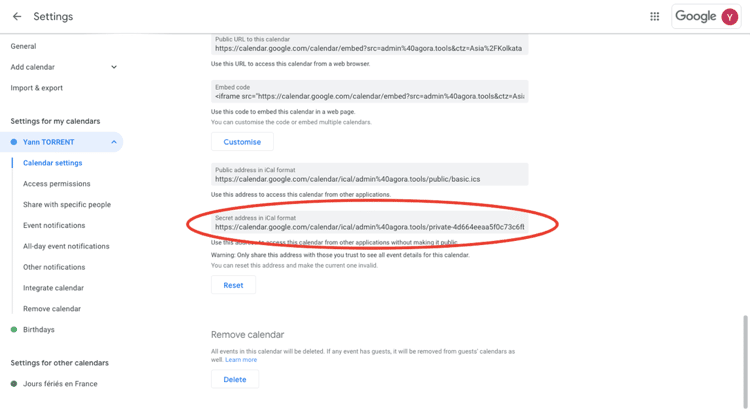
Google Workspace Calendar
Steps to get the correct ICS link for Google Workspace Calendar
Steps for G Suite / Google Workspace Admin to grant access
By default, primary calendars are not shared outside of the domain.
To change the settings:
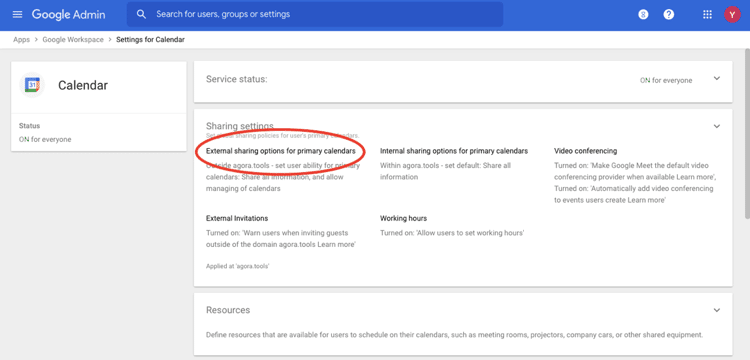
Go to Google Admin Console > Apps > Google Workspace > Settings for Calendar > Sharing settings > External sharing options for primary calendars
Select Share all information, and allow managing of calendars.
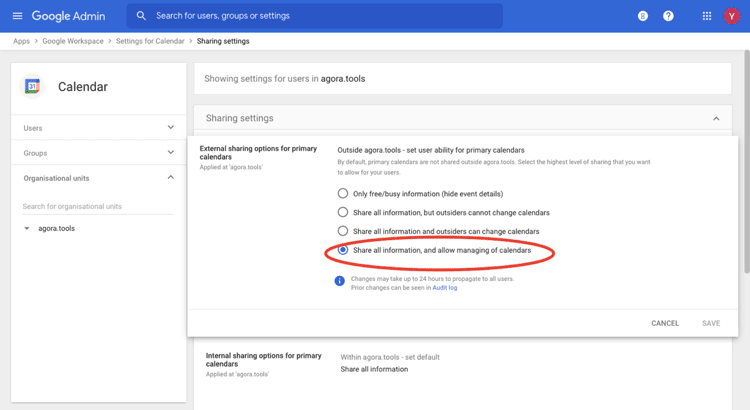
Note: Changes may take up to 24 hours to propagate to all users.
Steps for G Suite / Google Workspace user to get the correct ICS link
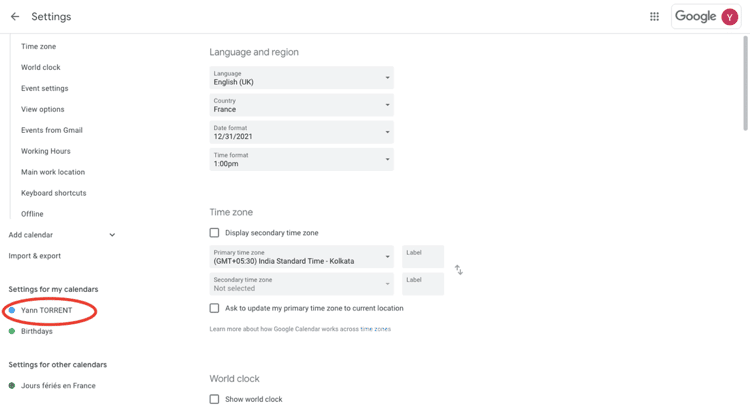
Go to Google Calendar > Settings.
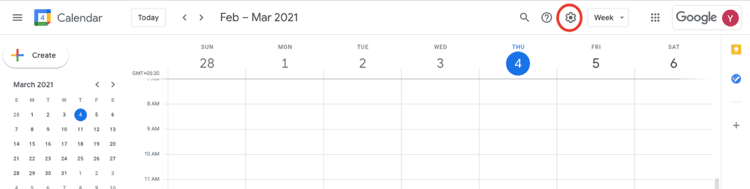
Select the desired calendar.
Select Secret address in iCal format. If this option is not available, contact your Google Workspace Admin.